
FOR DEVELOPERS
Explore developer resources
Build. Integrate. Innovate. Learn how easy it is to transform your products and solutions with AI-powered eye-tracking from HarmonEyes.
HTC Vive Focus Vision Sample
Required Dependencies
- OpenXR Plugin (com.unity.xr.openxr) – available in the Unity Registry via Package Manager
- VIVE OpenXR Plugin for Unity – follow HTC’s setup guide to install
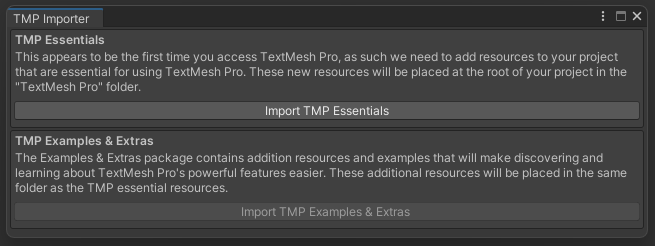
- TextMeshPro (com.unity.textmeshpro) – This is packaged with Unity and no special action is required to install. The first time a scene requires TMP in a project, you will see this window – click ‘Import TMP Essentials’:

Vive Sample Setup
Assumes HarmonEyes SDK has already been installed in your Unity project. Follow those instructions here first: https://harmoneyes.com/developers/unity-sdk/unity-sdk-install/
- Install all dependencies listed above per provider instructions.
- Enable eye and face tracking in Project Settings. Open Edit > Project Settings > XR Plug-in Management > OpenXR and check the boxes for VIVE XR Eye Tracking (Beta) and Facial Tracking.
- Import the sample.
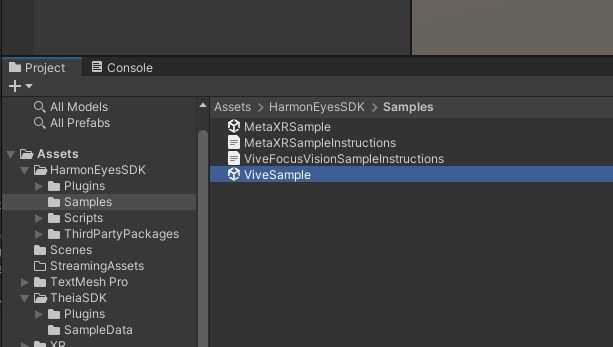
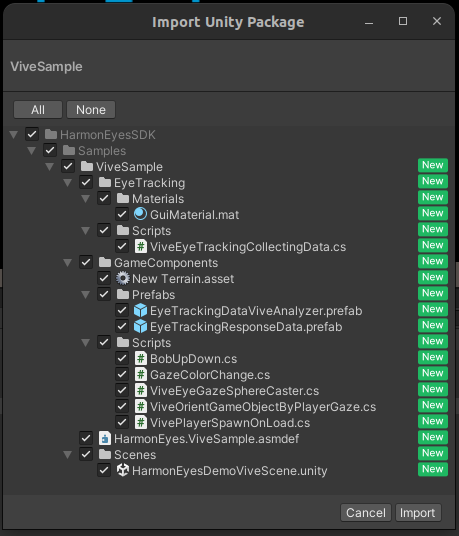
In the Unity Project Explorer, double-click `HarmonEyesSDK\Samples\ViveSample.unitypackage` in the Project window to open the Import dialog, then click Import.
- Open the Vive sample scene.
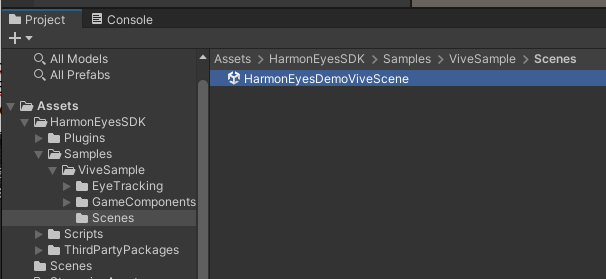
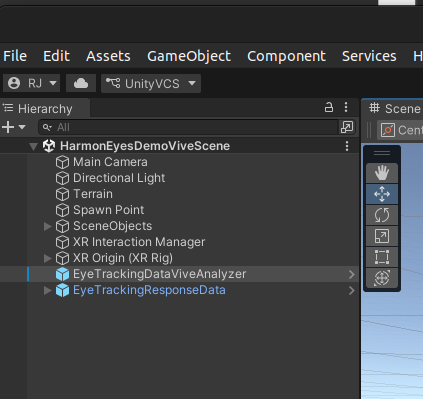
In the Unity Project Explorer, open `HarmonEyesDemoViveScene`.
- Enter your License Key.
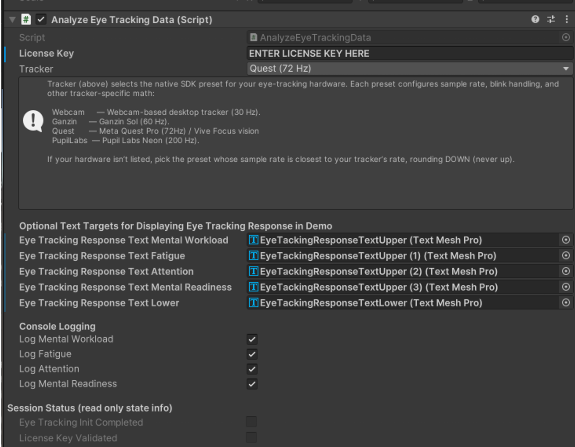
Select the `EyeTrackingDataViveAnalyzer` prefab in the scene and enter your license key in the `EyeTrackingConfig` component inspector field. The headset type is already configured for Vive Focus Vision.
- Verify that it works.
Connect your Vive Focus Vision via VIVE Streaming (or your preferred link method) so the Unity Editor can receive eye and face tracking data, then play the scene.
When the scene runs, the in-scene text fields will display real-time mental workload, fatigue, attention, and mental readiness (mental workload and fatigue update once per second from the native model; attention updates as fixations and saccades accumulate; mental readiness becomes available once the minimum session length is met). If there is a license key issue, a warning message will appear in the text fields instead — check the console for details. The Vive Focus Vision sample is the authoritative reference integration for the current SDK build and has been verified end-to-end with a live headset.
The floating boxes in the scene respond to eye gaze — looking at them will change their color. This provides a quick way to confirm that eye tracking is properly configured on your headset.
- Build to Android APK to deploy to Vive Focus Vision.
Refer to HTC’s Vive Focus Vision developer documentation for details on building for the headset in Unity: developer.vive.com